Use Typeform as a data source for Chartcastr. Connect your Typeform workspace via OAuth and Chartcastr will pull form response metrics — daily responses, completion rates, average completion time, and response volume by form — and deliver them as automated charts to Slack or email.Chartcastr connects with read-only access to your Typeform workspace. No write permissions are requested.
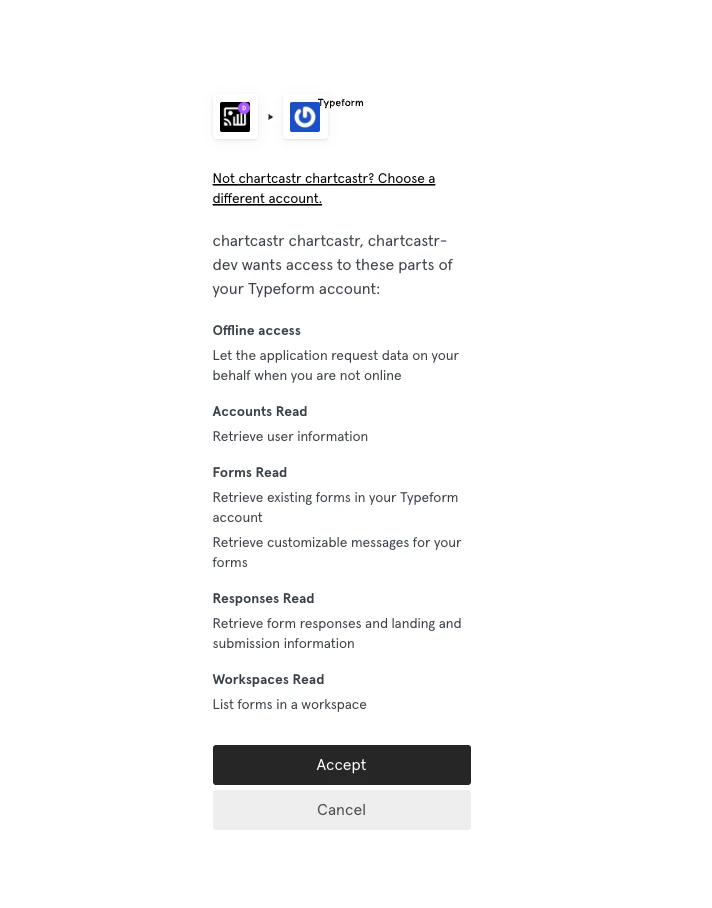
In Chartcastr, go to Sources and select Typeform. Click Connect and complete the OAuth flow. You will be asked to authorise read-only access to your forms, responses, and workspace.
Choose which metric you want to track. Each metric becomes its own pulse source — you can add multiple to send different charts on different schedules.
3
Select a form
For form-specific metrics (daily responses, completion rate, average completion time), pick the form you want to track. Workspace-level metrics like Responses by Form aggregate across all forms automatically.
4
Create a connection
Go to Connections and click New Connection. Select your Typeform source, pick or add a destination (Slack channel or email), set the delivery frequency, and optionally enable AI summaries.
Typeform access tokens expire after approximately one week. Chartcastr handles token refresh automatically using the refresh token granted during the OAuth flow.If your integration shows as Disconnected, re-authorise by going to Sources → your Typeform integration and clicking Reconnect in the Danger Zone.