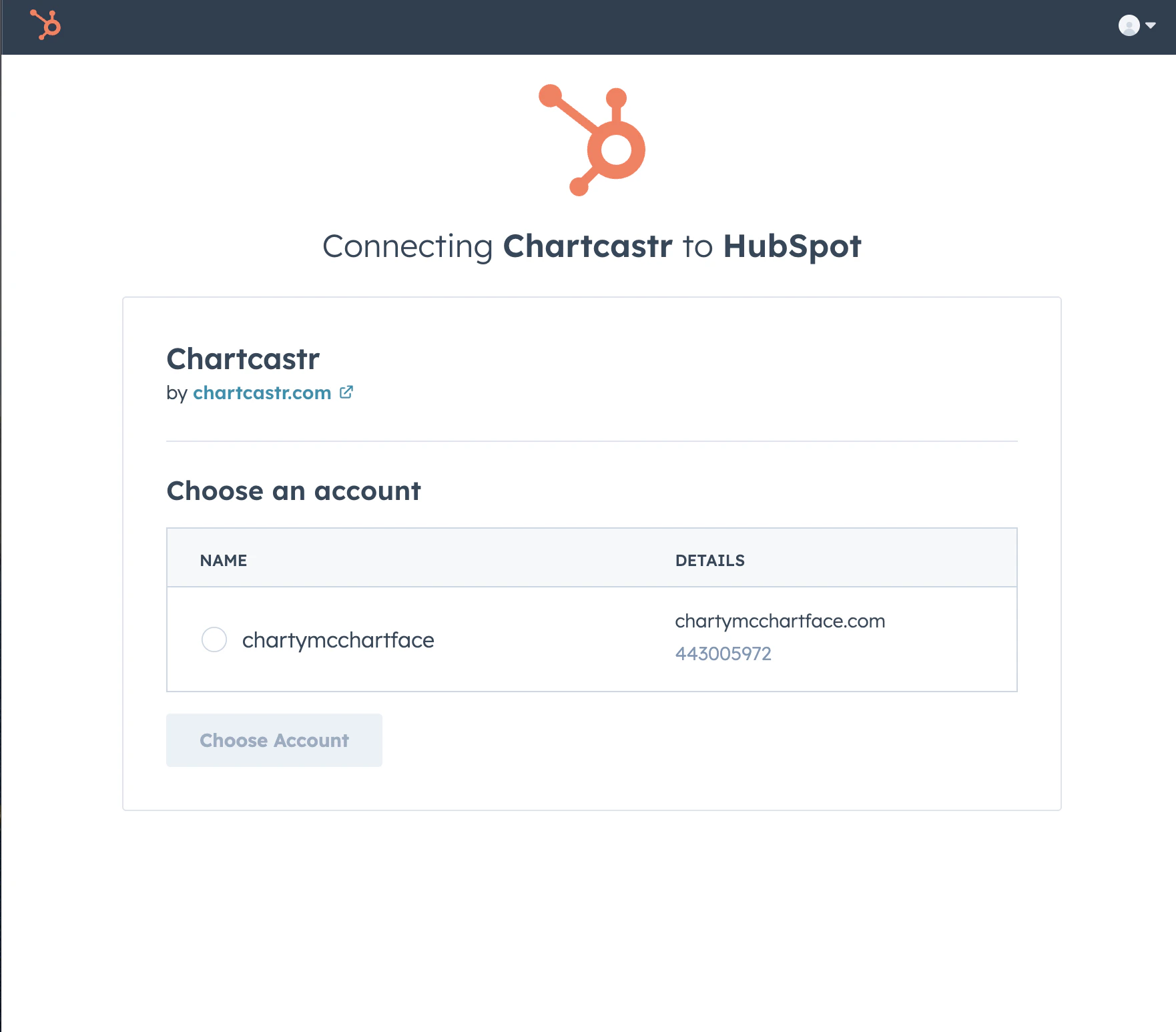
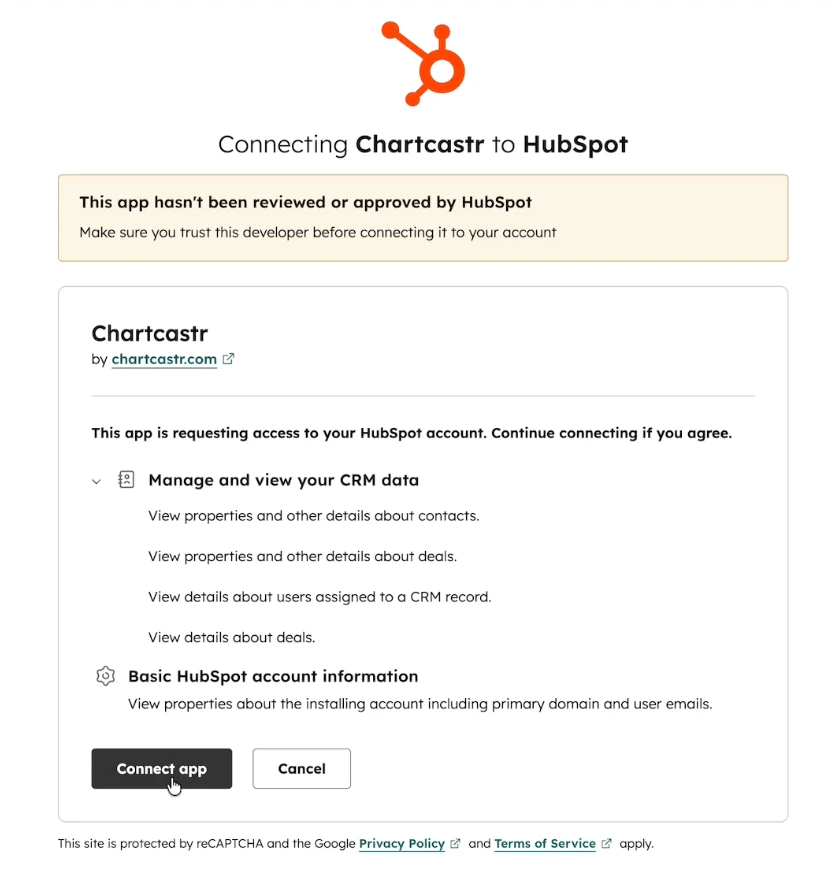
Chartcastr connects to your HubSpot portal to pull CRM metrics — pipeline health, deal velocity, revenue forecasts, lifecycle funnels, and more — and delivers them as automated charts to Slack or email with AI-powered analysis.Chartcastr connects with read-only access to your HubSpot portal. No write permissions are requested, and no CRM data is stored between runs.HubSpot integration is available on all paid plans. See pricing or sign up to get started.
Once connected, you can create chart sources from your HubSpot data.
1
Create a new connection
Go to Connections and click New Connection. Select HubSpot CRM as your source type.
2
Select a metric
Browse the available metrics organized by category (Pipeline, Contacts, Revenue). Select the metric you want to track — a live preview of your data will appear inline.
3
Choose a destination
Select where you want your chart delivered:
Email — quickest way to get started, delivered to your inbox
Slack — post charts directly to a team channel with AI summaries and interactive follow-up questions
4
Set your schedule
Configure how often you’d like to receive your pulse (daily, weekly, etc.) and save. Chartcastr will automatically generate and deliver AI-analyzed charts on your schedule.
You can add multiple HubSpot sources to send different metrics on different schedules. A common setup is a Pipeline Summary every Monday morning to Slack, plus a Closed-Won Revenue chart weekly to the leadership email group.
Once a connection is created, Chartcastr works automatically:
Scheduled delivery — Charts are generated and delivered on your configured schedule. Data is fetched fresh from HubSpot every time a pulse fires.
AI-powered analysis — Every chart comes with an AI-generated summary tailored to the specific CRM metric, highlighting trends, anomalies, and actionable insights.
Follow-up questions — In Slack, you can ask follow-up questions about your chart directly in the thread. The AI uses your chart data as context to answer.
Manual triggers — You can trigger any pulse on-demand from the Connections page without waiting for the next scheduled run.
No manual actions are required for ongoing use. Charts are generated and delivered automatically.
Deals: Deal name, amount, stage, pipeline, create date, close date, owner, loss reason, and stage probability.
Contacts: Lifecycle stage and create date.
Pipelines: Pipeline names, stage names, display order, and probability metadata.
Owners: First name, last name, and email for deal attribution.
Chartcastr does not access or store emails, notes, call recordings, or any engagement data. Data is fetched on-demand when a pulse fires and is not cached between runs.
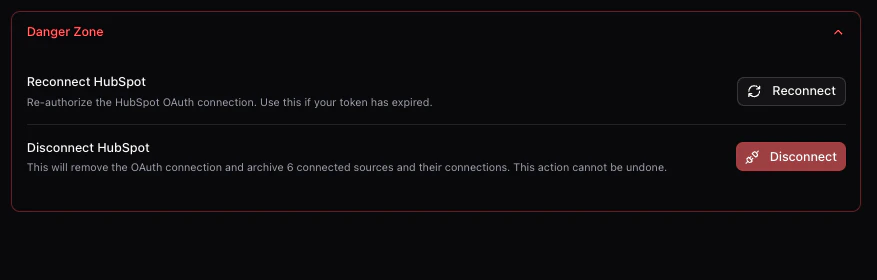
Scheduled pulses stop — Any connections using HubSpot sources will stop delivering. The connections remain configured but will show an error status until reconnected.
Existing charts are preserved — Charts and AI summaries that have already been delivered to Slack or email remain in those destinations. Nothing is deleted retroactively.
No data is retained — Chartcastr does not store your HubSpot CRM data between pulse runs, so there is no data to clean up on our side.
You can reconnect at any time — Re-authorizing via OAuth will restore your existing connections and resume scheduled deliveries.
To fully remove Chartcastr from your HubSpot portal, follow the steps in HubSpot’s guide to disconnecting apps. This revokes Chartcastr’s OAuth tokens and removes the app from your HubSpot Connected Apps list.Uninstalling from HubSpot has the same consequences as disconnecting from Chartcastr (above). No CRM data is retained by Chartcastr, and previously delivered charts remain in your Slack channels and email inboxes.
HubSpot OAuth grants access to a single portal per connection. If you have multiple HubSpot portals, you can connect each one separately by repeating the OAuth flow.
Which pipeline is used?
By default, Chartcastr uses your default deal pipeline (the first pipeline returned by HubSpot). Support for selecting specific pipelines is coming soon.
How often is data refreshed?
Data is fetched fresh from HubSpot every time a pulse fires. Chartcastr does not cache or store your CRM data between runs.
What date range is used?
Time-series metrics (deals over time, contacts over time, etc.) use the last 12 weeks of data by default.
Is my HubSpot data stored?
No. Chartcastr fetches data on-demand when a pulse fires, generates the chart and AI summary, delivers it to your destination, and discards the raw CRM data. Only the rendered chart image and summary text are retained as part of the pulse delivery history.